You use AI every day. You’re not even scratching the surface.
The most powerful AI user on your team is a method away from being you. Right now, three things are in the way.
01
You’re still doing the work. You ask AI questions, paste the answers, and finish the task yourself. The output is a paragraph. The job is still yours.
02
AI is a side tool. You open it when you’re stuck. The rest of your day happens somewhere else, so AI only touches a small part of your work.
03
Busywork still fills your week. Reports, follow-ups, status updates and copying between tools take hours AI could handle. That’s time taken from the work only you can do.
What people say01 / 07
“
I forced the team to do it, and within a week everyone had made at least one major breakthrough and was getting way more done across the whole board, creative, ops, supply chain, CRO. It’s 100% worth it.
DTC MidasEcommerce operator, on X
Probably the single biggest difference maker we’ve had at our business since the invention of Slack. It’s made our lean team feel huge.
Richard TubmanFounder, Sender
I can now delegate critical but non-strategic parts of my job to my AI workers and manage them, instead of spending hours doing the brunt of the work myself.
Sarah KaplanAMASS
Every session I’ve had with the HQ team, I’ve come away with a tip or trick that (not to be dramatic) is life changing. Every single time.
Erin GreenAMASS
The skills I learned from Jacob helped me build AI workflows I used to rely on other people for. Now I can share those workflows with the rest of the team, so they can use what I’ve built instead of starting from scratch.
Aleena HassanHead of CX, VYG.AI
Following up on this; this advice completely altered my view of AI and productivity.
Michael Peters@MichaelTPeters on X
Work that used to take days now takes hours. When an agent gets stuck, I ask what I can set up so it can do the task, and that fix carries over to every similar task after.
ShahzaibEngineer, VYG.AI
Meet your instructor and guest speakers
Jacob Posel and five expert guests.
Operators and AI leaders who use AI to do their own work every day.
Jacob PoselCo-CEO & Co-Founder, HQ · AI Consultant, Google Labs
AI consultant to Google Labs, advising the team building its AI marketing products.
Former Director of AI at Common Thread Collective, one of the largest ecommerce agencies.
Built this course from hundreds of live AI training sessions with real people and teams.
Alex CooperCo-Founder, Parker AI & Adcrate
Co-founded Parker AI and Adcrate, an ad agency built for ecommerce brands.
Took the agency from zero to seven figures in twelve months.
Shares what he learns about AI and advertising with a wide public audience.
Cody PlofkerFormer CEO & CMO, Jones Road Beauty
Former CEO and CMO of Jones Road Beauty, one of the fastest-growing beauty brands.
Advises ecommerce teams and builds practical AI and CRO systems that ship.
Co-hosts Marketing Operators and publishes Growth Notes for operators.
Founded DSTLD, a premium denim brand that went public on NASDAQ (DBGI).
Trained 20+ executives to ship production AI agents in their own businesses.
Wrote Build Your Own AGI, the guide to running a business with AI agents.
Rory McLaughlanCo-Founder, Shirt in a Box · Out of the Box AI
Co-founded Shirt in a Box, a mid seven-figure ecommerce brand growing 100% year on year.
Got 9 of his 10 people building with AI, from the warehouse floor to finance: 85 improvements in 15 weeks.
Those systems hand back about 1,500 hours of team time a year.
Jonathan BachLeads Implementation, HQ
Leads implementation at HQ, getting AI running inside real businesses.
Works on the ground with operators every day, across finance, ops, marketing and support.
Knows where teams get stuck with AI, and how to get them moving again.
The program
Four live weeks of learning by doing the work.
4live working sessions
24hands-on lessons
6experts teaching you
4weeks of office hours
3bonuses included
01Week 01 · Tuesday, Nov 10Reset what’s possible.Why agents beat chat, and what AI can actually do now.View detailsHide details
What you’ll learn
What’s changed in AI in the last few months, and what’s now possible if you haven’t looked in a while
Real examples of people using AI to do the bulk of their work, across ops, marketing, finance and support
The difference between chat and an agent: chat gives you an answer, an agent opens your files, uses your tools, works through the steps and checks its own work
The core principles: give it the outcome, the context and the checks, then guide it while it works
Setting up Claude Code, Codex or another agent and running your first real task
Where your judgment still matters, and how to review what the agent did
Put it into practiceStart working agent-only. Pick three real tasks from this week and do them through the agent, even when it’s slower at first.
What you’ll take forwardA working agent setup, three tasks done, and a list of where you got stuck to bring to office hours.
02Week 02 · Tuesday, Nov 17Connect your systems and map your work.Give the agent access to the tools you already use, and decide what to hand off.View detailsHide details
What you’ll learn
Mapping your week: the recurring workflows in your job, how long each takes, and which ones AI could take on
Picking the first two or three workflows worth handing off
Connecting your apps through MCP and APIs: email, docs, calendar, CRM, store, ad accounts and spreadsheets
Doing real work through those connections, with the agent pulling the data instead of you pasting it in
Making the agent show its sources so you can trust what it pulls
Common connection problems and how to get past them
Put it into practiceConnect at least three of your work tools and run one full workflow through them from start to finish.
What you’ll take forwardA map of your workflows, a connected set of tools, and your first workflow running on live data.
03Week 03 · Tuesday, Nov 24Teach AI your work.Struggle through it, correct it, and turn what works into something you can reuse.View detailsHide details
What you’ll learn
Teaching the agent how you do a task: your standards, your format and your judgment calls
Tracing a bad result back to a missing piece of context, a missing step or an unclear brief, then fixing it
Turning a workflow that works into a reusable skill you can run with one command
Putting recurring work on a schedule so it runs without you starting it
Building a small library of skills that cover your week
Measuring the time you get back on each workflow
Put it into practiceTurn your best workflow into a skill, run it on a new case, and fix whatever breaks.
What you’ll take forwardTwo or three reusable skills and a running count of hours handed back.
04Week 04 · Tuesday, Dec 1Multiply yourself and bring your team.Scale up what you’ve built, and turn it into a team advantage.View detailsHide details
What you’ll learn
Running several workflows at once and managing agents instead of doing the work yourself
Choosing the next workflows to hand off, so it keeps compounding after the course
Sharing your skills so a teammate can run them on day one
Watching a teammate use your skill and fixing where they get stuck
Making agent-first the team’s default way of working
Your 30-day plan for after the course
Put it into practiceHand one skill to a teammate, watch them run it, and improve it based on what happens.
What you’ll take forwardA working skill library, one teammate running your work, and a 30-day plan.
Plus 3 bonuses, included with your enrollment.
Bonus 01
Exclusive Slack community
Share what you’re building with the cohort, compare approaches, and bring questions as you put the methods into practice.
Bonus 02
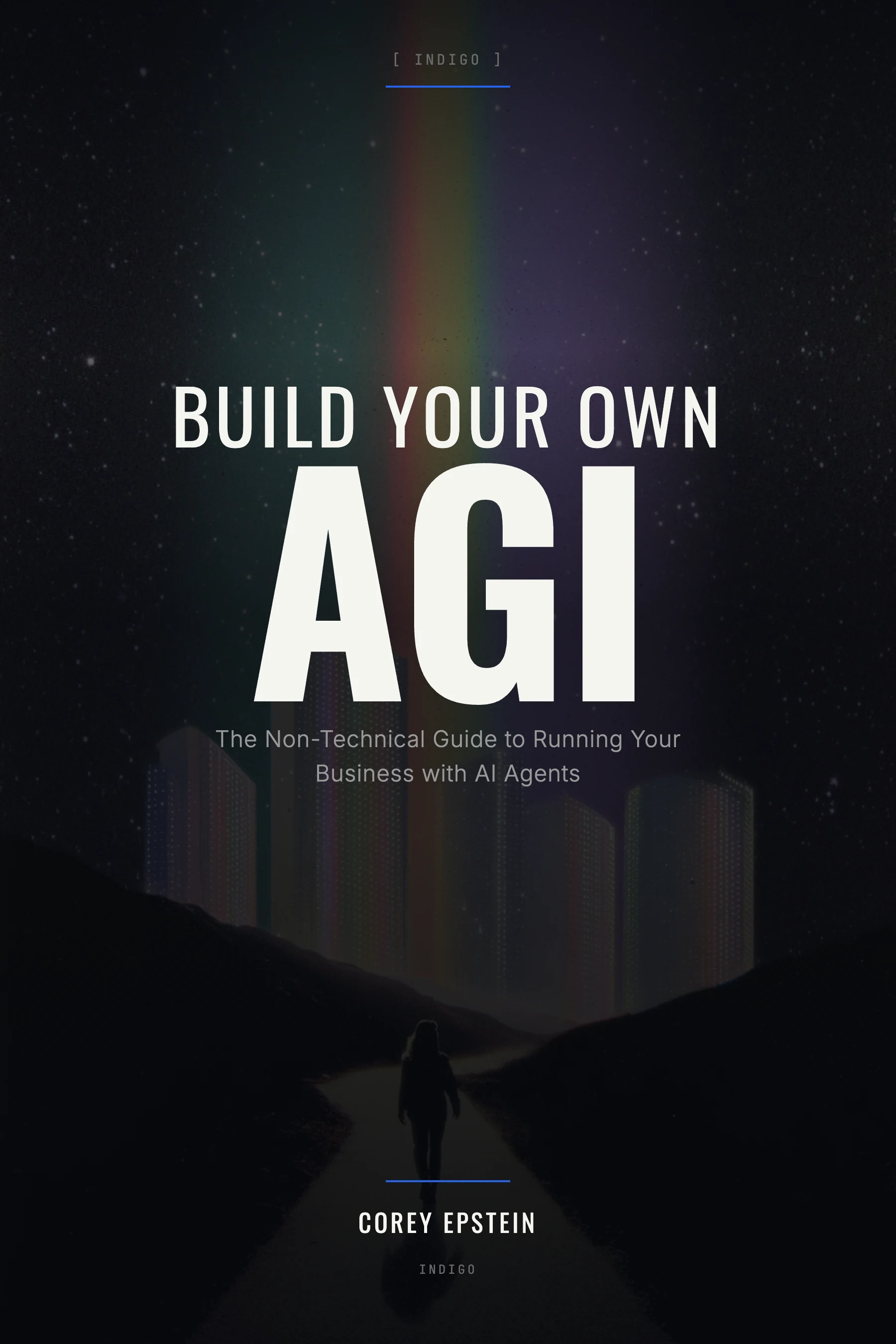
Build Your Own AGI
A copy of Corey Epstein’s book, included with your course. Explore how to organize context, guide AI through real work, and share useful methods with your team.
Office hoursLive
Jacob
You
Your workflow
Bonus 03
Office hours every week
Every week has live office hours. Bring the task you’re stuck on, and we’ll work through it with you step by step until it runs.
What you’ll build
Start with the task that eats your week. Leave knowing how to hand AI the rest.
Client and weekly reporting
Turn last month’s numbers into the report your client or your leadership reads every Monday.
Creative briefs
Go from campaign results to a brief your designer can start on the same morning.
Proposals and scopes of work
Go from a discovery call to a scoped proposal in your own format, priced the way you price.
Release notes and product updates
Turn shipped work into the changelog, the docs, and the announcement your customers read.
Purchase orders and inventory
Turn a supplier email and your inventory sheet into a purchase order that is ready for approval.
Customer replies and support
Draft responses in your company’s voice from your own help docs, with a review step before anything ships.
Sales follow-ups and pipeline notes
Turn a call transcript into the follow-up email, the CRM update, and the next step, in your voice.
Onboarding a new hire
Write the start-here file a new teammate reads, so people and AI begin from what the company already knows.
Meeting notes to action items
Turn a call recording into the summary, the owners, and the follow-ups, posted where the team already works.
Email and SMS campaigns
Go from this week’s promotion to the drafted sends, segmented and in your brand voice, ready for review.
Product descriptions and listings
Turn a spec sheet and a few photos into listings that match your best-selling pages.
Competitor and market research
Hand AI the question, let it pull the sources, and get a brief that shows where each claim came from.
Investor and board updates
Pull the month’s numbers and wins into the update your investors read, in the format they expect.
Job descriptions and hiring screens
Write the role, the screening questions, and the scorecard from how your best people actually work.
Content calendars and social posts
Turn one piece of long-form content into a month of posts that sound like you.
Bug triage and customer escalations
Sort incoming reports, draft the reply, and route the real issues to the right engineer with context attached.
Any recurring task in your role
Finance, ops, growth, creative, product, or support. If you do it every week and it takes longer than it should, it qualifies.
Who it’s for
For the people who actually do the work.
Agency, SaaS, or ecommerce brand. If you own a recurring piece of work, this course is for you.
Operators and ops leads
You run the processes everyone else depends on. Put the repeatable ones on AI and keep the judgment calls.
Marketers and growth
Results become the next brief, campaign, and report. Build that workflow once and run it every week.
Account and client leads
Client updates, proposals, and reporting fill your week. Hand the drafting to AI and spend the time on the relationship.
Founders and team leads
Everyone comes to you with questions. Write down how you work so the team runs on it without you in every thread.
Product and customer teams
Specs, release notes, and replies all come from the same context. Draft them from yours instead of from a blank page.
Finance and admin
The month closes the same way every time. Build the reports once, then review them instead of rebuilding them.
Four live weeks. Become the one your team can’t run without.
A live session every Tuesday at 11am Pacific from November 10, plus office hours every week. We guide you through real tasks from your own role, unblock you when you get stuck, and help you take what works to your team.
Course price $499Original price $997One-time payment · Full four-week course
Money-back guarantee. Complete the full course. If you don’t feel we unlocked AI for you, we’ll refund you in full.
Four live sessions
Learn from Jacob Posel, Alex Cooper, Cody Plofker, Corey Epstein, Rory McLaughlan and Jonathan Bach
Session recordings to revisit
Exclusive Slack community
Build Your Own AGI by Corey Epstein
Office hours every week
Finish the course and what you paid is credited toward HQ usage
Seats are limited. When the cohort fills, enrollment closes.
One flat price for up to 15 people from your company in Cohort 1. After checkout, we’ll reach out to collect your team’s details and register everyone.
No. This course is built for people who aren’t engineers. You’ll work in Claude Code, Codex or another agent, and we’ll set up your connections with you in office hours.
Is there a money-back guarantee?
Yes. Complete all four weeks, and if you don’t feel the course unlocked AI for you, we’ll refund you in full.
What if I get stuck?
That’s what the course is built around. Every week has a live session and office hours, and we’ll work through your blockers with you one at a time until your workflow runs.
Do I get anything after the course?
Yes. Finish the course and we’ll credit what you paid toward HQ usage, so you can keep building on what you learned.
What if I can’t attend live?
Session recordings are included so you can revisit the teaching and examples.
Is this for individuals or teams?
Both. You’ll build your own practical skills, then learn to share useful methods and context with teammates.